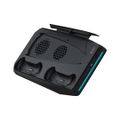
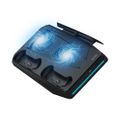
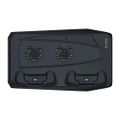
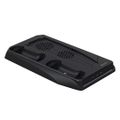
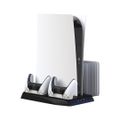
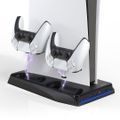
Porodo Gaming Multi-Function PS5 Cooling and Charging Hub - Black
- BrandPorodo
- ModelPDX114-BK
- ComaptibilityPS5 and PS5 Digital
- VoltageDC 5V-9V
- Input5.25V/3A (Max)
- Fan SpeedLow/Medium/High
Color: Black
Warranty
More about this item
- USB-C To USB-C Power Cable
- 35dB Low Noise
- Light Indicator

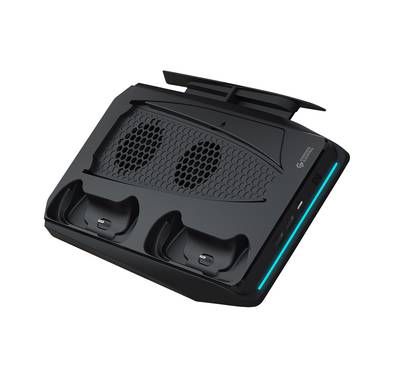
Cooling And Charging HUB PS5 Holder
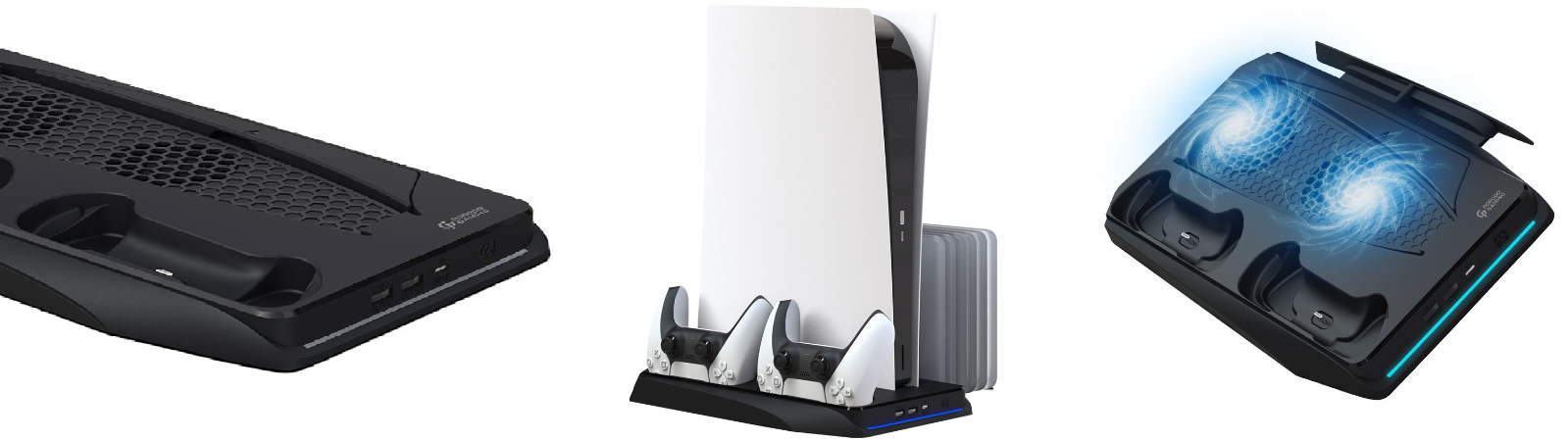
Stay stylish and modern with a gaming multi-function cooling & charging hub, with 3-level fan speed you don't need to worry about your device's temperature also with touch control PS5 and Low Noise you will even don't notice a cooling fan, compatible with PS5 & PS5 Digital. Porodo Gaming Multi-Function Cooling has speed rotation, around 5300RPM which can ensure you about your PS5 temperature. It almost has no sound (<35dB) and you can totally focus on your game. With the USB charging ability in this cooling pad, you can charge the PS5 controllers. It has three levels for cooling (Low, Medium, High). Its power cable type is USB-C to USB-C and its length is 120cm.
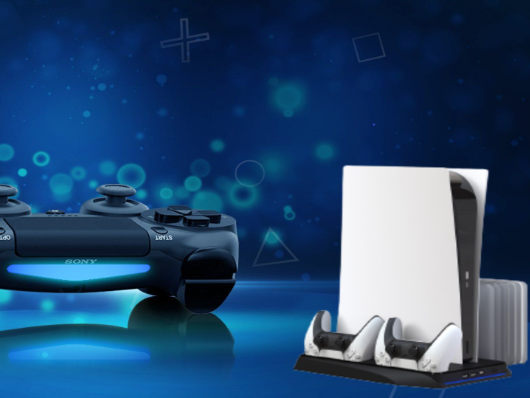
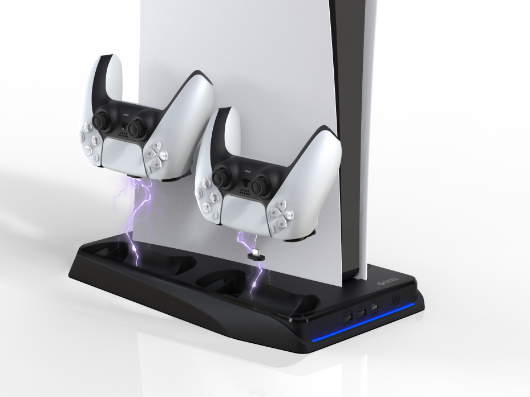
PS5 Controller Charging
Like the actual function, the product is equipped with 2 magnetic Type-C adapters on the chargingposition. Take the Type-C adapter from the stand and insert it into the PS5 controller, and then put it in the charging contact slot of the stand for charging. The stand is not equipped
for charging the Indicator light. When charging, you need to look at the indicator light on the PS5 controller.
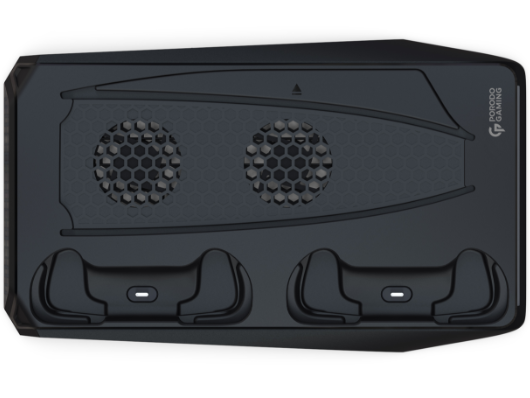
How To Use
Once the power supply of the base is connected, the fan cooling function is off. When touched the side symbol the cooling fan is on and in first gear speed (small, the decorative blue light is on; If you need to adjust the fan speed again, touch again, into the second gear speed (medium) Touch the switch again and go into third gear speed (high). Once again touch the switch and the tan power off. while the decorative blue light is off, Cycle operation can be. no need to remove the power cable.
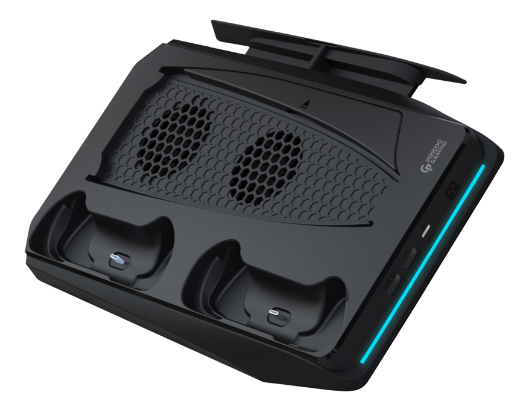
Light Indicator
The orange light on the controller flashes slowly to indicate that it is charging; when the controller is fully charged, the indicator light on the PS5 controller will go out. (Note: If the PS5 controller Bluetooth is connected to the PS5 console while it is working, the PS5 controller indicator will not breathe slowly, and you can only check the charging status of the controller on the PS5 console display screen on the TV.) USB A port

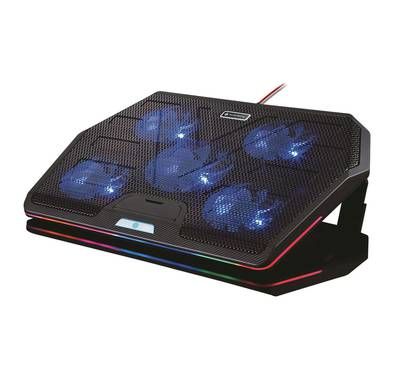
Comparison
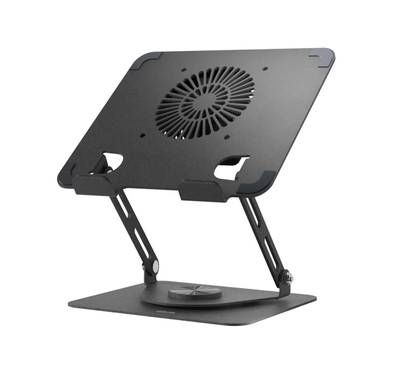
Brand | Porodo | Porodo | Green Lion |
|---|---|---|---|
Speed | 1400 RPM | 5300 RPM | 2000 RPM ± 10% |
Noise Level | 25-30 dB | 35 dB | 30 dB |
Compatibility | Laptops | PS5 | Fits Various Laptop Sizes |
USB Outlet | |||
Touch Control | ❌ |
Reviews (0)
Waiting for Your Feedback
0.0
- 5
- 4
- 3
- 2
- 1
Inclusive all tax
Sorry, The Item is Sold Out
Cash on delivery
45 days Returnable
Runbazaar Delivery
Secure transaction